IQOS
IQOS ILUMA i vs ILUMA i PRIME vs ILUMA i ONE: What Is Different
How the IQOS ILUMA i, ILUMA i PRIME and ILUMA i ONE differ in design, touch screen, sessions, consecutive uses, features and charge times, using only official IQOS specs.
Simple, step by step fixes for Foger, JUUL, Geek Bar and IQOS devices, based on official brand support pages.
 Not hitting?
Won't charge?
Blinking light?
No vapor, weak pull or no reaction when you inhale.
No light when plugged in or it dies right after charging.
What each flash pattern means and how to clear it.
Dry hits and harsh flavor, plus how to save the coil.
Juice in the mouthpiece, spitting or a wet device.
Can it be refilled, how to fill it and first use tips.
How the IQOS ILUMA i, ILUMA i PRIME and ILUMA i ONE differ in design, touch screen, sessions, consecutive uses, features and charge times, using only official IQOS specs.
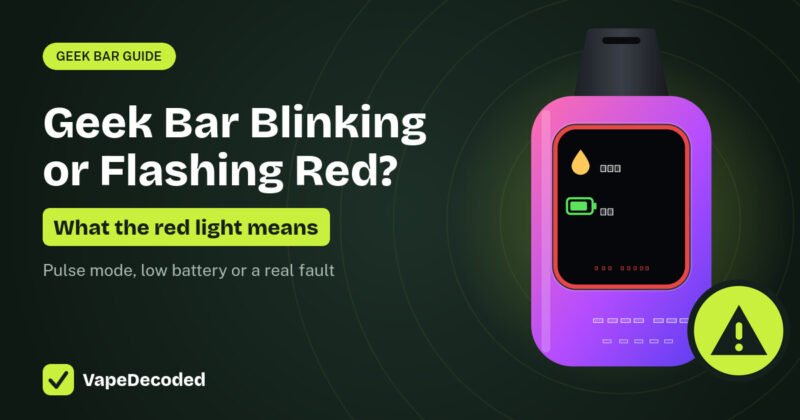
A red light on a Geek Bar Pulse is often just Pulse mode, not a fault. If the screen is flashing and the device will not hit, the usual causes are a low battery, an empty tank, a short or sensor problem, heat, or a faulty unit. Here is how to tell which one you have.
A plain comparison of IQOS ILUMA and ILUMA i, covering the touch screen, Pause Mode, FlexPuff, Eco Mode, Device Lock and the app, with side by side tables for every model pair.
Every brand has its own guides for charging, lights, leaks, taste and setup. Pick yours.
Every guide follows the same simple method, so you get a clear answer fast and know when it is time to stop and replace the device.
Read our editorial policyGet in front of adult vapers who are searching for fixes for the devices they own.
VapeDecoded covers vaping products that contain nicotine. You must be of legal age to view this site.
By entering, you agree to our Terms of Use and Privacy Policy.