JUUL Not Hitting? How to Fix It
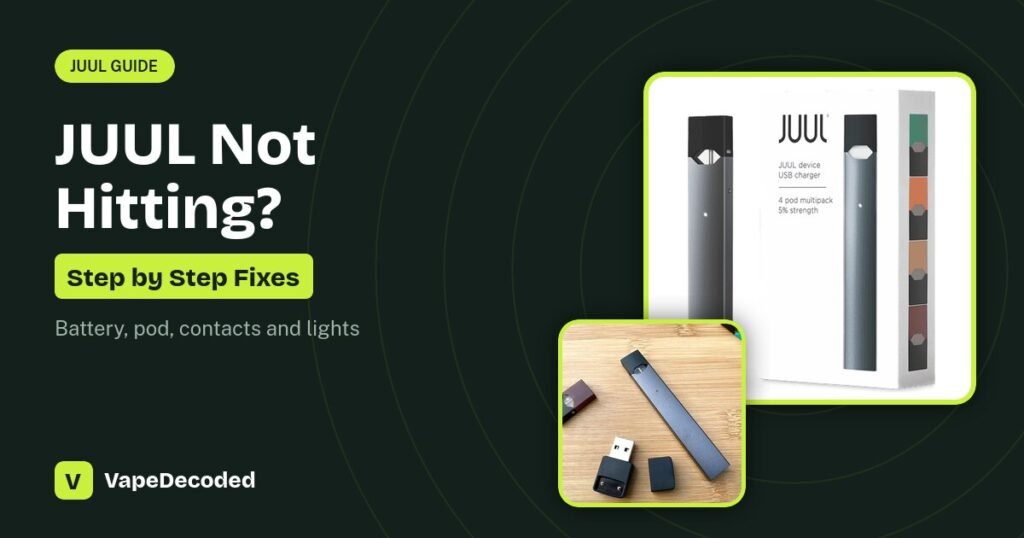
Your JUUL is most likely not hitting because the battery is low, the pod is not seated all the way, or the metal contacts are dirty. Charge it, clean the contacts, and click the pod back in. That fixes most cases.
If it still will not hit, the pod may be empty, burnt, or flooded. This guide walks through every cause in order, from the quickest fix to the last resort.
Quick answer
- Charge the JUUL for about 1 hour.
- Pull the pod out and push it back in until it clicks.
- Wipe the pod and device contacts with a dry cotton swab.
- Tap the pod gently, mouthpiece up, to move air bubbles.
- Try a fresh pod. If a new pod works, the old one was the problem.
- Still nothing? Contact JUUL support about the device.
Why is my JUUL not hitting?
A JUUL is draw-activated. There is no button. When you inhale, a sensor turns on the heater in the pod. If any part of that chain breaks, you get no vapor or a weak hit. The main causes are:
| Cause | Common sign | Fix |
|---|---|---|
| Dead or low battery | No light when you puff, or red on double tap | Charge about 1 hour |
| Pod not seated | Light flickers, weak or no vapor | Reseat the pod until it clicks |
| Dirty contacts | Hits on and off | Clean with a dry swab |
| Empty pod | Light comes on, little vapor, burnt taste | Replace the pod |
| Air bubble in pod | Light on, no vapor, liquid still in pod | Tap the pod mouthpiece up |
| Flooded pod or condensation | Gurgling, liquid in mouth | Remove pod, dry, take small puffs |
| Faulty device | Nothing works with new pods and full charge | Contact JUUL support |
How to fix a JUUL that is not hitting
Go through these steps in order. Test the JUUL after each one.
Check and charge the battery
Newsweek notes that one of the most common reasons a JUUL will not hit is that it needs to be charged. Tap the device twice to see the battery light. Red means it is under 25%, according to the JUUL user guide published by the NHS. Put it on the dock for about an hour. Our guide on how to charge a JUUL covers the dock, the lights, and what to do if it will not charge.
Reseat the pod
Pull the pod straight out. Then push it back in firmly until you feel or hear a click. A pod that sits a little high will not connect to the device, so it cannot heat.
Clean the contacts
Look at the two small metal contacts on the bottom of the pod and inside the device. Leaked e-liquid and pocket lint can block them. Wipe them with a dry cotton swab. For sticky residue, Newsweek suggests a swab with a little rubbing alcohol, squeezed out first. Let everything dry before you put the pod back. Dirty contacts are common, so follow how to clean a JUUL.
Tap out air bubbles
An air bubble can stop e-liquid from reaching the wick. Gently tap the pod on a hard surface with the mouthpiece side up, then try again.
Try a different pod
Put in a new pod, ideally from a different pack. If the new pod hits, the old pod was empty or faulty. If no pod hits, the problem is the device.
Contact JUUL support
If the device is charged, clean, and still will not fire with a fresh pod, it may be broken. Contact JUUL Labs through juul.com/support. Do not take the device apart. Some websites suggest pliers or opening the case, but that can damage the battery and will likely end any warranty claim.
What do the JUUL lights mean when it is not hitting?
No light at all
If nothing lights up when you puff or double tap, the battery is most likely dead. Charge it first. If it still shows no light on the dock, see the charging fixes in our JUUL charging guide.
Red light
A red light on double tap means the battery is low, under 25%. Charge it.
Blinking white light
The JUUL light normally glows while you take a puff. Some retailer guides say repeated white flashing points to a pod connection problem. We could not confirm this from JUUL Labs. Either way, reseat the pod and clean the contacts.
Blinking yellow, rainbow, or other flashing
Retailer guides say five yellow blinks mean a pod connection issue and flashing rainbow colors mean a device error, which they say you can reset by removing and reinserting the pod. These meanings are not confirmed by JUUL Labs. The rainbow effect you get by shaking the device, which users call "party mode," is a hidden light effect, not an error.
Why does my JUUL crackle or taste burnt?
A light crackle is the sound of e-liquid heating on the coil. Loud popping or gurgling usually means there is too much liquid near the heater. That often happens after a pod leaks, or when the device sat on its side in a warm pocket.
A burnt or harsh taste usually means the wick is dry. This happens when the pod is nearly empty, or when you take puff after puff so fast the wick cannot soak up more liquid. Check the liquid level through the pod window. If it is low, replace the pod. If there is liquid left, wait a minute between puffs and tap out any bubbles.
How do you fix a flooded JUUL pod or condensation?
If you get liquid in your mouth or hear gurgling, the pod may be flooded or there may be condensation in the mouthpiece. Newsweek's advice for a leaking pod is to take a small puff, then remove the pod and set the device and pod aside to dry.
- Wipe the mouthpiece and the pod contacts with a dry tissue.
- Dry the inside of the device with a dry swab.
- Keep the device upright when you can, and away from heat.
- Do not squeeze the pod. That can push out more liquid.
The NHS guide also warns against leaving the JUUL anywhere too hot or too cold, which can make leaks and condensation worse.
How to make a JUUL hit harder (safely)
You cannot change the power on a JUUL, and you should not try. Opening the device or modifying the battery is a fire and burn risk. These safe steps give you the best hit the device is designed to give:
- Keep it charged. Do not wait for red.
- Use a fresh, sealed pod. Old or nearly empty pods give weaker, harsher hits.
- Keep the contacts clean. A clean connection means a steady heat.
- Take a slow, steady draw. A smooth puff of a few seconds works better than a short, hard pull.
- Space out your puffs. The NHS guide says to take a few small puffs regularly instead of long drags.
Do not refill pods or use other liquids to get a "stronger" hit. We explain the risks in our guide on refilling a JUUL pod and why you should not. If you are wondering how strong your pod is, see how much nicotine is in a JUUL pod.
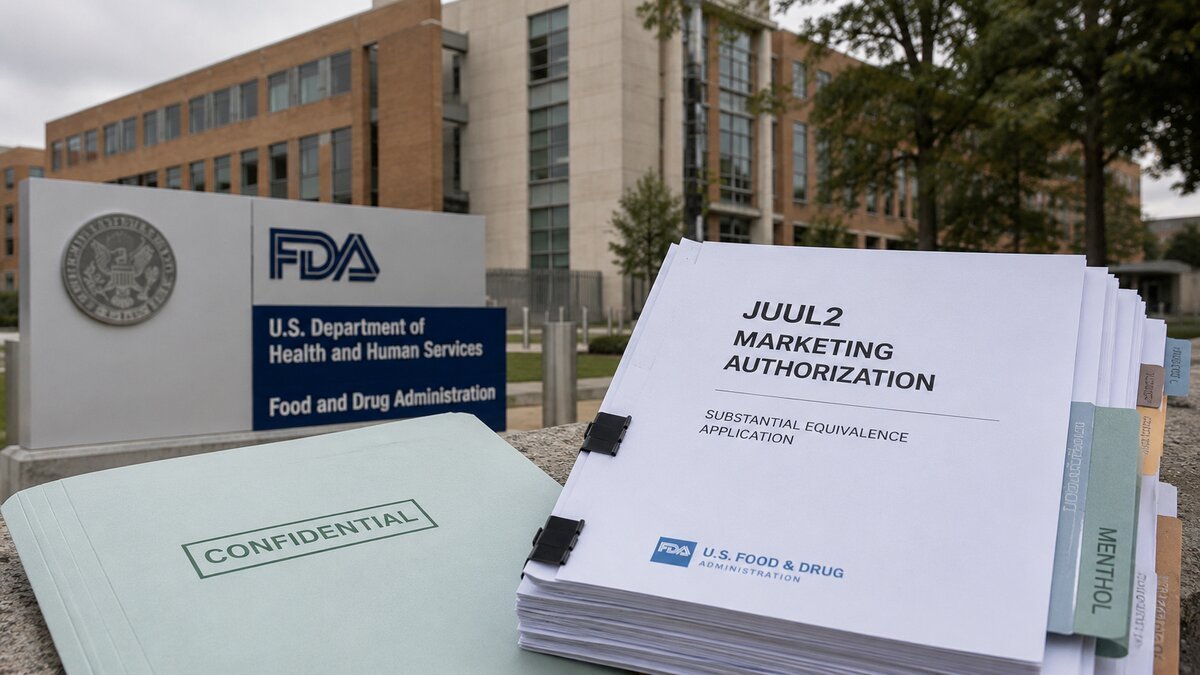
Nicotine is addictive. JUUL products are for adults 21+ only. The FDA says its July 17, 2025 authorization of the JUUL device and Virginia Tobacco and Menthol JUULpods does not mean they are safe or "FDA approved." Do not start vaping if you do not already use nicotine. Want to quit? Visit Smokefree.gov or call 1-800-QUIT-NOW.
When should you replace the pod or the device?
Replace the pod when the liquid is gone, when it tastes burnt even after a rest, when it leaks again and again, or when a new pod works and the old one does not. One 5% JUULpod is often compared to about a pack of cigarettes, or about 200 puffs, according to Truth Initiative. For more on this, see how long a JUUL pod lasts.
Replace the device when it will not charge on a working dock, will not hit with any new pod, gets hot, or shows physical damage. Stop using any device that swells, cracks, or gets hot.
Is a JUUL covered by warranty?
JUUL Labs lists warranty terms on its support page at juul.com/support. We could not confirm the exact length of the US device warranty. Some websites say it is one year, and UK retailers list a two-year limited warranty, but terms differ by country. Keep your receipt, and contact JUUL support before you buy a new device. Devices that were taken apart or damaged are less likely to be covered.
Does the JUUL2 have the same hitting problems?
The FDA authorized the JUUL2 device with tobacco and menthol pods (18 mg/mL nicotine) on August 28, 2026. JUUL Labs says each JUUL2 pod has a Pod ID chip, and a JUUL Labs science page says the device will not produce vapor with a pod it cannot recognize. So if a JUUL2 will not hit, also make sure you are using a genuine JUUL2 pod. JUUL Labs says the 21+ age-gated JUUL App also shows battery and pod levels for the JUUL2, which can help you spot a low battery or empty pod.
FAQs
Why is my JUUL blinking but not hitting?
Most often the pod is not making good contact. Reseat the pod and clean the contacts. If the battery is low, charge it.
Why is my JUUL charged but not hitting?
If the battery is full, the cause is usually the pod. Reseat it, tap out air bubbles, clean the contacts, or try a new pod.
Why does my JUUL light up but not hit?
The device is getting power, so the pod is likely empty, has an air bubble, or has a dry or burnt wick. Try a new pod.
Why does my JUUL only hit sometimes?
On and off hits usually mean dirty contacts or a loose pod. Clean the contacts and push the pod in until it clicks.
How do I reset my JUUL?
There is no official reset button. Removing the pod, charging the device, and reinserting the pod is the closest thing to a reset.
Why does my new JUUL pod not hit?
A new pod can have an air bubble near the wick. Tap it mouthpiece up and try again. If it still fails, it may be a faulty pod.
Can I use a JUUL pod in a JUUL2?
No. The JUUL2 works only with authentic JUUL2 pods, which have a Pod ID chip.
The bottom line
When a JUUL is not hitting, start with the easy fixes: charge it, reseat the pod, and clean the contacts. Then tap out air bubbles and try a fresh pod. Dry out a flooded pod instead of squeezing it. Never open or modify the device to get a harder hit. If a charged, clean device fails with new pods, contact JUUL support about the warranty.
Sources: Newsweek, NHS JUUL user guide, FDA (JUUL, July 2025), FDA (JUUL2, August 2026), Juul Labs press release, Juul Labs Science: JUUL2, Truth Initiative, JUUL Support. VapeDecoded is not affiliated with JUUL Labs.
Same problem on another device? See vape not hitting: causes and fixes for every brand and why a vape tastes burnt and how to fix it.
Safety note: Our guides are for general information only. Stop using any device that gets hot, swells, smells like burning plastic or leaks from the battery. Read our disclaimer.
Image credits: Product images on this page belong to their respective brands and are used for identification and education only. If you own an image and want it removed or credited, send us a request and we will act on it within 48 hours.