Foger Vape Not Working? Here Is How to Fix It
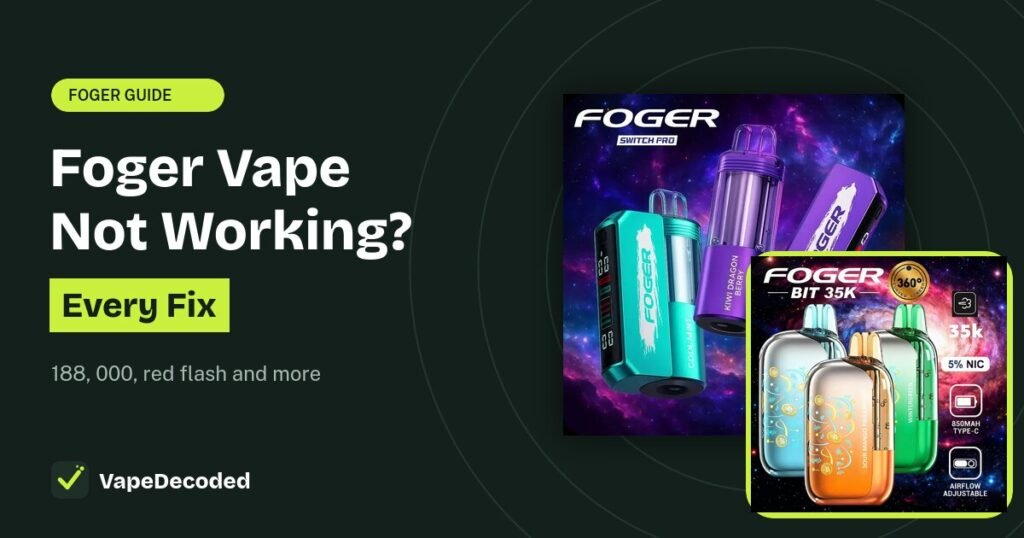
When a Foger vape stops working, the screen usually tells you why. Match what you see to the list below and follow the fix. If your Foger turns on but just will not make vapor, our Foger not hitting guide goes deeper on that one problem.
Find your problem
- Dark screen, nothing happens: dead battery. Charge it.
- Will not charge: try another cable and clean the port.
- 188 on screen: pod not being read. Wipe contacts, reseat pod.
- 000 on screen: pod is empty. Swap it.
- Red flash: safety cut-off. Rest 60 seconds.
- Firing by itself, hot or swelling: stop using it.
Problem 1: Dark screen, no response
The battery is flat. Plug any USB-C cable into the port and wait a few minutes. On the Switch Pro, the port is on the base, below the screen, and the gold pins in the base are pod contacts, not a charging port.
Problem 2: It will not charge
- Push the cable in all the way.
- Try a different USB-C cable and a different wall adapter.
- Brush lint out of the port with a dry soft brush.
- If it feels warm, unplug it and let it cool for 15 minutes.
Full steps are in our Foger charging guide.
Problem 3: 188 on the screen
On the Switch Pro, 188 means the base cannot read the pod. Common causes are juice or lint on the contacts, a pod snapped on at an angle, a nearly empty pod, or a base with a very low battery. Wipe the contacts dry, click the pod back on, and tap the side button. If it stays, try a fresh pod. On the sealed Bit 35K, a 188 that will not clear usually means a warranty replacement.
Problem 4: 000 on the screen
On the Switch Pro, 000 points to a pod that is empty or at the end of its life. The base is fine. Put on a new pod.
Problem 5: Red flash when you draw
A solid red flash means a safety cut-off, often from very long or back-to-back puffs. Leave it for about 60 seconds and it clears on its own. If it keeps happening with a fresh pod, contact your seller.
Problem 6: Works off the base but not on it
If the Switch Pro pod fires in your hand but not on the base, the pod is fine. The problem is the connection. Clean the contacts and reseat the pod until it clicks.
Problem 7: Burnt taste
A burnt or harsh taste usually means the coil is dry or worn. Slow down, take breaks between puffs, and switch from Boost to Normal mode. If a brand new pod tastes burnt, it may be faulty.
Problem 8: Leaking or it got wet
Wipe it dry, do not charge it while wet, and let it dry fully before use. If juice keeps leaking from a pod, replace the pod. Never pry it open. Here is why opening a Foger is unsafe.
Stop using it right away if your Foger: fires on its own, gets hot, swells, hisses, or smells like burning plastic. Unplug it, move it away from anything that can burn, and do not try to fix it.
Is there a reset button?
No. To clear a stuck state, plug it into USB-C for about a minute, unplug, then draw. On a Switch Pro, also take the pod off, wait a moment, and click it back on. The same steps are shown in our guide to using a Foger vape.
FAQs
Why did my Foger stop working suddenly?
Most of the time the battery is flat or the juice is used up. On a Switch Pro, a pod that slipped out of place is another common cause.
Why is my Foger blinking?
On the Bit 35K, a blinking green lightning bolt means the battery is critically low. A blinking 188 is a read error.
Can I fix a Foger that is not working?
Most issues are fixed by charging, cleaning contacts or swapping a pod. Battery and coil faults cannot be fixed safely at home.
The bottom line
Read the screen first. Dark means charge it, 188 means reseat and clean, 000 means swap the pod, and red means rest it. Anything hot, swelling or firing on its own should be stopped and replaced.
Related Foger guides
Sources: error codes from Foger's authorized US retailer instructions. VapeDecoded is not affiliated with Foger.
Safety note: Our guides are for general information only. Stop using any device that gets hot, swells, smells like burning plastic or leaks from the battery. Read our disclaimer.
Image credits: Product images on this page belong to their respective brands and are used for identification and education only. If you own an image and want it removed or credited, send us a request and we will act on it within 48 hours.