How to Turn a Foger Vape On and Off (Plus Boost Mode)
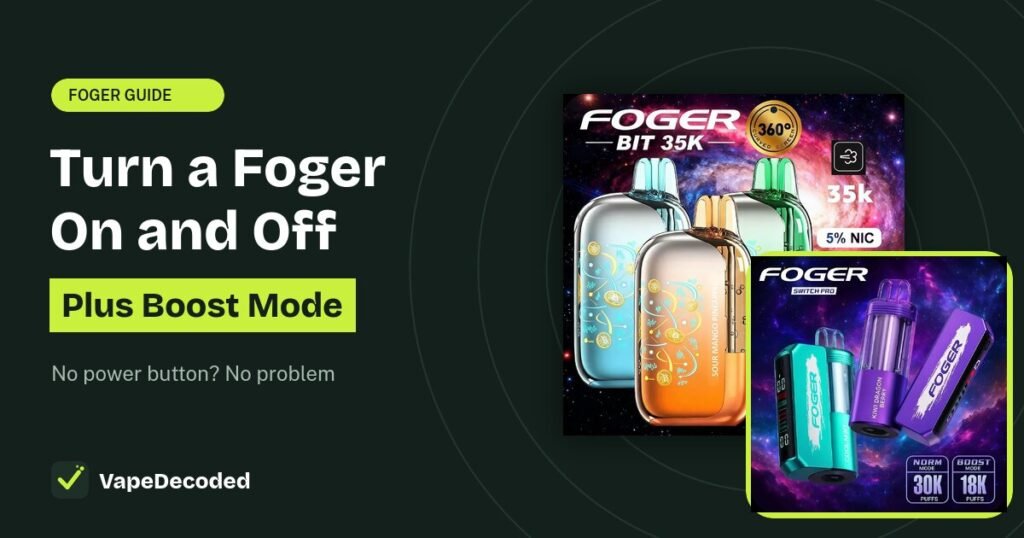
You cannot switch a Foger vape off with a button, because it does not have a power button. Both the Bit 35K and the Switch Pro are draw-activated. They turn on when you inhale and go back to sleep a few seconds after you stop. The side button only changes the power mode.
Quick answer
- Turn on: take off the cap and inhale. That is it.
- Turn off: just stop drawing. The screen sleeps after about 5 seconds.
- Stop it firing in your pocket: put the silicone cap back on.
- Boost mode: press the side button once. Press again to go back to Normal.
How to turn a Foger vape on
Remove the cap
Pull the silicone cap off the mouthpiece. With the cap on, no air flows and it cannot turn on.
Inhale slowly
A sensor feels your draw and turns the vape on. The screen lights up and the coil heats. On a Switch Pro, make sure the pod is clicked onto the base first. Our Foger beginner guide shows every step.
How to turn a Foger vape off
Stop inhaling. The device stops firing right away and the screen goes dark after about 5 seconds. In sleep mode it uses almost no battery, so there is nothing else to switch off.
Cap it for your pocket or bag
Since it is draw-activated, pressure or airflow in a pocket can sometimes make it fire. Putting the silicone cap back on blocks the mouthpiece and stops this.
How to turn Boost mode on and off
Press the side button
The button does not turn the vape on or off. It switches between Normal and Boost.
- Bit 35K: a Bitcoin coin icon on the screen means Boost is on. No coin means Normal (Eco).
- Switch Pro: the screen on the base shows which mode is active.
Firing on its own? If your Foger fires without you drawing on it, that is an auto-firing fault, not a setting. Stop using it, keep it away from heat and fabric, and contact the shop you bought it from. Other problems are covered in Foger not working fixes.
FAQs
Does a Foger vape have an off switch?
No. It is only on while you inhale, then it sleeps on its own.
Does a Foger drain battery when not in use?
Very little. In sleep mode the drain is tiny, so you do not need to turn it off.
What does pressing the button 5 times do?
On many vapes, 5 clicks locks or unlocks the device. Foger's own instructions describe the button only as a Normal and Boost switch, so use the cap to prevent accidental firing.
Which mode should I use?
Normal for everyday use and the most puffs. Boost for warmer, thicker vapor, but it uses juice faster. See how many puffs a Foger gives in each mode.
The bottom line
A Foger turns on when you inhale and off when you stop. Use the cap to stop pocket firing, and use the side button only for Normal and Boost mode.
Related Foger guides
Sources: Foger's authorized US retailer instructions. VapeDecoded is not affiliated with Foger.
Safety note: Our guides are for general information only. Stop using any device that gets hot, swells, smells like burning plastic or leaks from the battery. Read our disclaimer.
Image credits: Product images on this page belong to their respective brands and are used for identification and education only. If you own an image and want it removed or credited, send us a request and we will act on it within 48 hours.